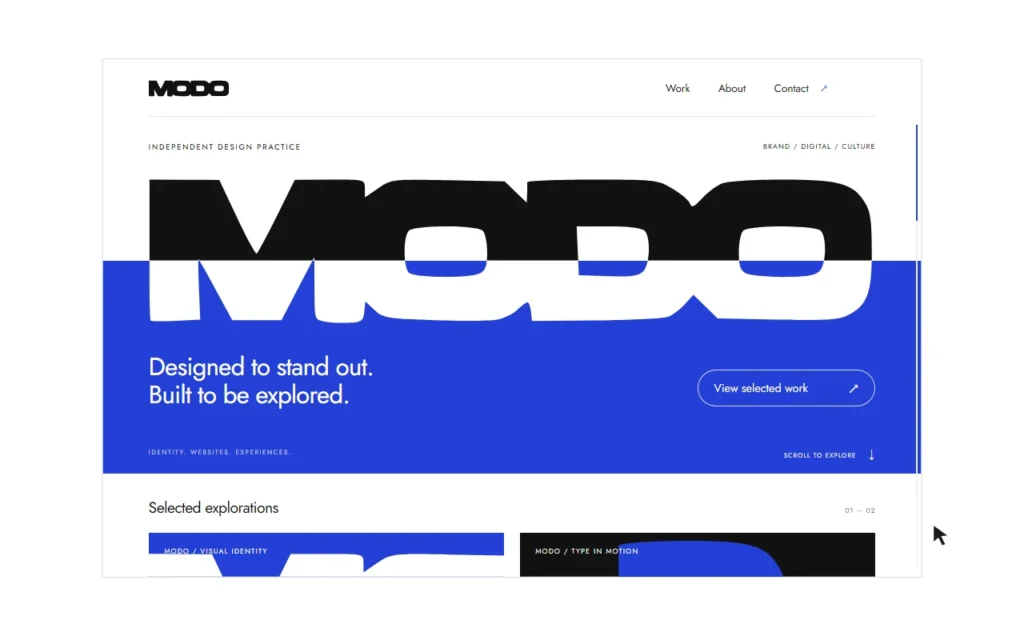
At Fovoya, we start a website redesign by asking what the website needs to do for your business. A new colour palette or a different homepage layout may help, but the project also needs clear decisions about which pages to keep, what to rewrite and how customers should reach you.
This website redesign checklist gives you a practical starting point before you commission a rebuild. For each item, record what you found, the decision you made and who will check it before launch.
1. Define the problem you want the redesign to solve
Write down the reason for the project in terms a customer would recognise. For example: visitors cannot tell which service is right for them, product details are difficult to compare, or the enquiry form is awkward to complete on a phone.
Choose one main customer action for each important page. A service page might lead to a project enquiry. A product page might help someone choose an option and add it to their basket. This makes it easier to judge whether a design decision helps.
- What has changed in your business since the current website was made?
- Which questions do prospective customers ask repeatedly?
- Which action should a visitor be able to complete without help?
2. Make an inventory of your existing pages
Create a simple list of your page URLs. Beside each one, note its purpose, whether the information is current and whether it has a useful role in the next website. Assign a decision: keep, improve, combine or retire.
A useful inventory entry is specific: “Service overview — keep the URL, replace the outdated introduction, link to the detailed services, and test the enquiry link.” Add an owner and a launch check beside it.
If you already have Search Console or analytics data, use it to find pages people visit and search queries that lead to them. A visually dated page may still answer a useful customer question. Keep that evidence separate from your preference for how the page looks.
Include less obvious pages such as downloadable guides, old campaign pages, policies and form confirmation pages. They can be missed when a redesign focuses only on the main menu.
3. Review the message before arranging the layout
A visitor should be able to understand what you offer, who it is for and what happens next. Review your main service pages against those questions. Replace vague claims with the actual scope of the service, the information you need from a customer and the way a project progresses.
For example, a web design service page can explain whether development, content entry and handover are included. A maintenance page should explain what is agreed in the support scope. Avoid publishing turnaround promises or package prices that you have not decided you can deliver.
4. Plan the new structure and any URL changes
Group pages around the decisions your customers need to make. Give distinct services their own useful explanations, and link related information where it helps someone continue. Several pages with almost identical text rarely make that decision clearer.
Keep an existing URL when it still describes the page accurately. If a page needs a new address, record the old URL and the most relevant replacement in a redirect map. Redirects need to be implemented and checked on the hosting platform; adding a link to the new page does not replace that work.
Do not send every retired URL to the homepage by default. Decide whether there is a genuine replacement, and review that decision with the person handling the migration. Google provides a guide to site moves with URL changes for the technical steps.
5. Agree on the visual direction using real content
Review layouts with representative headings, product information and images. A design built around a short placeholder headline may behave differently when the actual service name is longer.
Choose a few pages that represent different needs: the homepage, a service or product page, and a page with longer reading content. Check the same visual choices across them. Typography, spacing, colour and interactive states should feel related while leaving room for each page to do its job.
Use the mobile layout during this review, rather than waiting until the desktop design is finished.
6. Test the complete customer journey
Test a journey from an ordinary visitor’s starting point to the action you want them to complete. Open a service from the menu, read its scope, follow a relevant link and send a clearly labelled test enquiry.
- Can you use navigation, controls and forms with a keyboard?
- Are labels and error messages understandable?
- Does a successful submission reach the intended recipient or system?
- Do phone layouts keep important text and controls visible?
- Can visitors read and use the page while large images or embeds are loading on a mobile connection?
- Do images, downloads and interactive features work on the final domain?
For a store, use the platform’s test mode to review product options, delivery information and checkout. Agree on the test process before involving real payments or customer data.
7. Check search settings on the final domain
Before launch, check that useful public pages have descriptive titles, accurate descriptions and working internal links. Confirm that the sitemap lists the pages you intend search engines to discover.
Review indexing settings separately for the public site and any staging, preview or demonstration pages. Confirm that canonical URLs refer to the intended public addresses and that any redirects work. These checks must be repeated on the final domain, because a successful local preview cannot verify the live configuration.
Google’s SEO starter guide explains these foundations. They support discovery and understanding, but do not guarantee a particular search position.
8. Decide what happens after launch
Assign responsibility for updates, backups, content changes and checking forms. Record where the handover information is kept and what to do if a page or feature stops working.
Once the new site has real usage data, review the questions visitors still ask, the pages they find through search and the enquiries you receive. Use those observations to decide the next improvement.
A useful brief for your redesign
You can begin with five items: the reason for the redesign, the audiences you serve, your page inventory, the customer journeys that matter and any launch constraints. You do not need to have every layout decided before starting the conversation.
Our website redesign services cover structure, visual design and the plan for moving existing content. If your project also needs search improvements, explore our SEO and AI search services, or tell us about the website you want to improve.