An SEO audit reviews whether search engines can access your important pages, whether those pages answer the right customer questions and whether visitors can take the next step. The useful result is a prioritised list of fixes, supported by evidence.
Start with the homepage, a key service page, a useful article and the contact page. For a larger site, add examples from each page type and language. This gives the review a practical focus before expanding to every URL.
1. Define the business outcome before checking scores
Write down what the website should help customers do. For a service business, that might be understanding an offering and submitting a relevant enquiry. Record the markets, languages and services that matter most.
If search data is available, review which pages attract relevant visits and which queries bring people there. Treat an automated score as a diagnostic aid. It does not establish whether a page attracts suitable customers or produces useful enquiries.
2. Check whether important pages can be discovered
Open key URLs as an ordinary visitor. Record pages that fail, redirect unexpectedly or require an interaction before meaningful content appears. Follow the site’s navigation and internal links rather than relying only on direct addresses.
Then inspect the indexing settings, sitemap and preferred page addresses. Use the site’s search tools to investigate exclusions rather than assuming every excluded URL is a problem. Some pages may be intentionally private, duplicated or no longer needed.
For a multilingual site, check a full journey in each priority language: service page, related article and contact page. Note language switches that return visitors to the wrong page or leave them reading a mixture of languages.
3. Give every important page a clear purpose
Read the page title, main heading and opening paragraph together. Can a new visitor identify the service, the intended customer and the question the page answers? Generic headlines often leave that work to the reader.
Keep service pages focused on the service and the decision to enquire. Use supporting articles to explain planning questions, comparisons and common problems. Our guide to planning content around search intent explains this relationship.
Look for unnecessary overlap. If several pages answer the same question with little distinction, decide which page should lead and how the others add useful information. Adding more pages is not itself a content strategy.
4. Review the information customers need to trust the page
- Does the page explain what the service includes and where its scope ends?
- Are examples clearly described and relevant to the claims being made?
- Are business identity and contact details consistent?
- Do technical or factual claims link to appropriate evidence?
- Are important limitations stated alongside the relevant advice?
- Does the page explain what happens after an enquiry?
A useful audit records specific omissions. “Improve content” gives the editor little direction. “Explain who supplies product photographs before the customer requests an ecommerce build” identifies an actionable improvement.
5. Test the mobile enquiry journey
Use a real phone where possible. Open the site from a fresh visit, read a service page and try the contact path. Look for delayed content, cropped text, obstructive overlays and controls that are difficult to use.
Check form labels, required fields, validation messages and the confirmation after submission. An end-to-end test should also verify receipt by the business. Record test enquiries clearly so they are not mistaken for customer leads.
Distinguish the symptoms you find: a slow initial response, a large image and a delayed animation require different investigations. Keep the evidence alongside each issue, including the URL and device used.
6. Check how clearly the content supports AI search
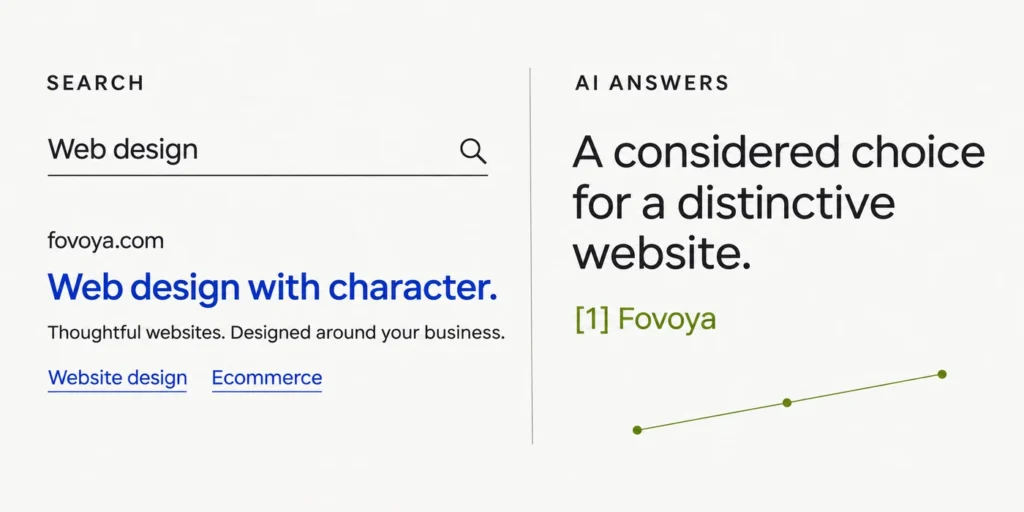
GEO is often used to describe work intended to improve visibility in AI-generated answers. For this audit, assess whether the page provides clear, verifiable information that can be understood in context.
Google states that its AI search features use the same foundational SEO practices; special AI files or a special schema are not required. Inclusion is not guaranteed. See Google’s guidance on AI features.
Use descriptive headings and answer a section’s question directly before adding detail. Keep key information available as readable text. Make examples explicit, identify the business behind the content and ensure any structured data agrees with what visitors can see. These are practical clarity checks, not a promise of AI citations.
7. Turn the findings into a workable action list
For each issue, record the affected URL, evidence, customer impact, proposed action and the check that will confirm a successful fix. Assign an owner so that the report becomes a work plan.
- First: investigate important pages that cannot be reached and enquiry paths that fail.
- Next: clarify key service content, improve navigation and address recurring mobile problems.
- Then: develop supporting articles and refine pages using actual search and enquiry feedback.
Retest the affected journey after a change. Record when the work was completed, then review search performance over an appropriate period. A technical correction can be verified immediately even when its search impact takes longer to evaluate.
Want a clearer view of your website’s priorities?
Share your website address, the services you want to promote and the countries or languages you want to reach. Fovoya can discuss your search visibility needs alongside the website’s design and enquiry experience.
Discuss your website’s search visibility · Explore SEO and GEO services
